Amazon Alexa Tablets Buying Guide: Compare and Save
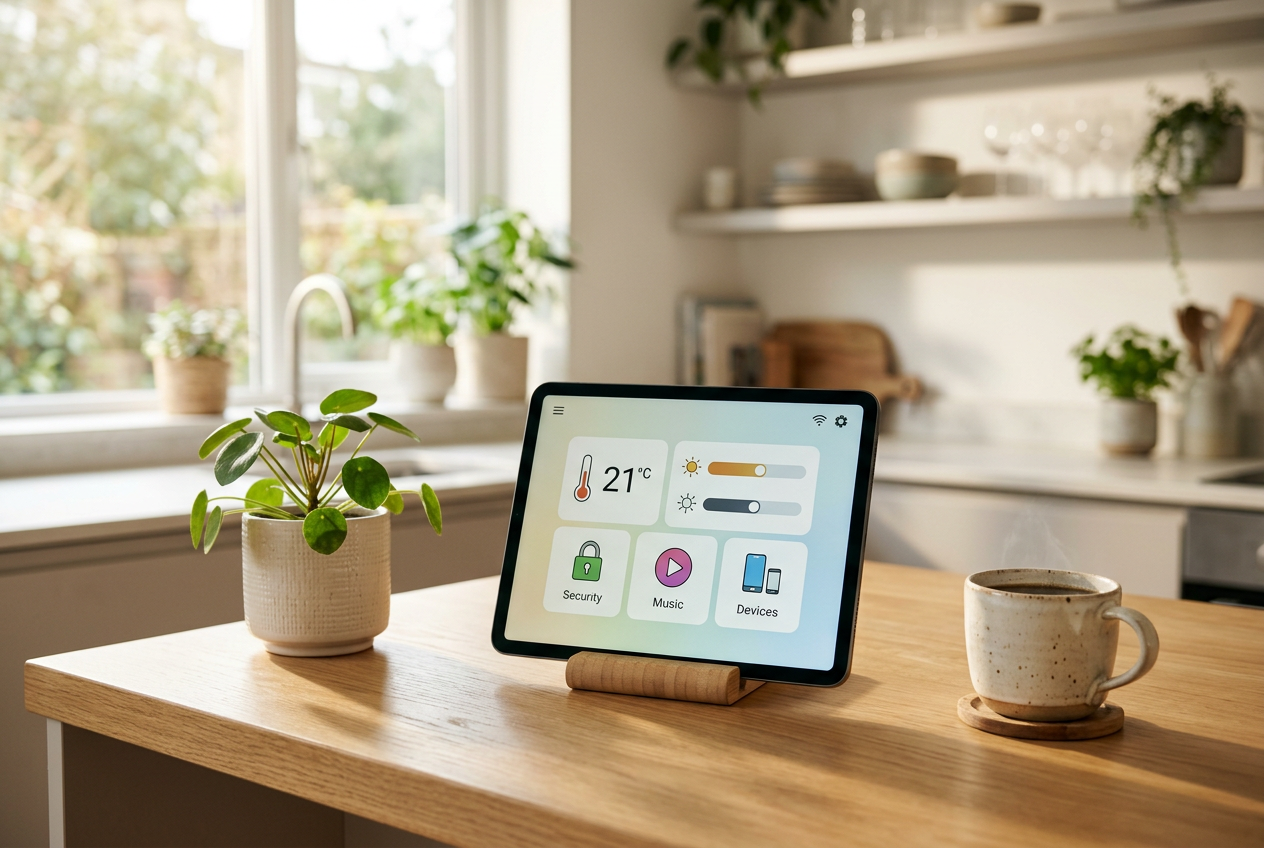
Finding the right portable device often comes down to balancing functionality, convenience, and cost. For households already using voice assistants, amazon alexa tablets offer a versatile bridge between a standard multimedia screen and a central smart home dashboard. Whether you want a bedside entertainment hub, a digital recipe stand for the kitchen, or an affordable media player for travel, these devices deliver strong day-to-day utility without demanding a premium price tag.
Choosing the best model involves understanding how screen size, hardware specifications, and software integration match your daily habits. By comparing new models alongside second-hand and refurbished options, you can secure exceptional value across different price tiers.
How to choose the best Amazon Alexa tablets
Tablet hardware built around voice integration generally focuses on seamless access to hands-free controls, streaming media, and smart device monitoring. When evaluating options, keep these key factors in mind:
- Display Size and Resolution: Compact 7-inch and 8-inch screens are lightweight and portable, making them ideal for reading and travel. Larger 10-inch or 11-inch screens provide full high-definition resolution, better suited for split-screen multitasking and streaming video.
- Hands-Free Show Mode: Many Alexa-enabled tablets feature a dedicated dock or stand mode that turns the tablet into an interactive smart display when idle. This allows you to view timers, weather reports, and live camera feeds from across the room.
- Battery and Charging: Modern units feature USB-C connectivity for reliable charging. Pairing your device with a dependable power source ensures your screen is always ready for daily use.
- Parental Controls and Storage: Expandable microSD storage is common across budget tablets, allowing you to carry offline movies and music. Robust profile controls also let family members share a single screen safely.
Integrating your tablet with a smart home setup
One of the primary advantages of an Alexa tablet is its ability to act as a command centre for connected household hardware. From the dashboard, you can adjust lights, check automation routines, and monitor security hardware seamlessly. For instance, pairing your screen with a Ring Battery Video Doorbell 2K (newest gen) allows you to answer the front door or check live video alerts directly from your tablet screen.
This integration extends to living room setups as well. If your home already includes compatible media hardware such as an Insignia 50" Class F50 Series LED 4K UHD Smart Fire TV, an Alexa-enabled tablet can function as a secondary screen, remote control, or smart speaker input to stream audio throughout your living space.
Practical accessories and power management
Keeping multiple gadgets running on a desk or nightstand requires organised charging. Using a high-output multi-port plug like the Anker Prime 100W GaN 3-Port Charger lets you charge your tablet, phone, and headphones simultaneously from a single outlet without clutter.
If you prefer setting up a dedicated dock or stand in the kitchen or home office, maintaining clean cable management is essential. A reliable Power Extension Lead with 4 AC Outlets and USB C, 2M Cable, Surge Protected provides the reach and port options needed to keep your workstation powered safely.
Buying refurbished vs new
Because tablet hardware develops incrementally, buying a certified refurbished or pre-owned model is one of the easiest ways to save money. Tablets designed for casual browsing and smart home controls maintain strong performance over several years.
When shopping second-hand, check the condition of the screen glass, test battery health, and verify that the USB charging port holds a firm connection. A factory reset will ensure you start with a clean operating system linked directly to your personal account.
Summary takeaway
Alexa-compatible tablets provide a practical balance of entertainment, portability, and hands-free control. Choosing the right screen size and pairing it with reliable accessories allows you to build an effective smart home hub on a sensible budget.
Frequently asked
- Can I use an Amazon Alexa tablet without a voice subscription?
- Yes. Alexa functionality is built into the tablet software and does not require an extra subscription to set alarms, control smart devices, or answer queries.
- What is Show Mode on an Alexa-enabled tablet?
- Show Mode converts your tablet into a full-screen smart display, showing visual information like timers, weather forecasts, and calendar events from across the room.
- Can I download third-party apps on these tablets?
- Yes, compatible models support major streaming, reading, and productivity apps through their default app store, alongside web browser access.
Selling something similar?
Listing on BNS is free. Add photos, set your price and reach buyers looking for exactly this.